
ChatGPT Atlas: Could This New Ai Browser Change the Way Creatives Work?
OpenAI has just launched ChatGPT Atlas, an AI-powered browser built around its famous chatbot. It’s designed to give users a more personalised web experience, with ChatGPT built into the sidebar.
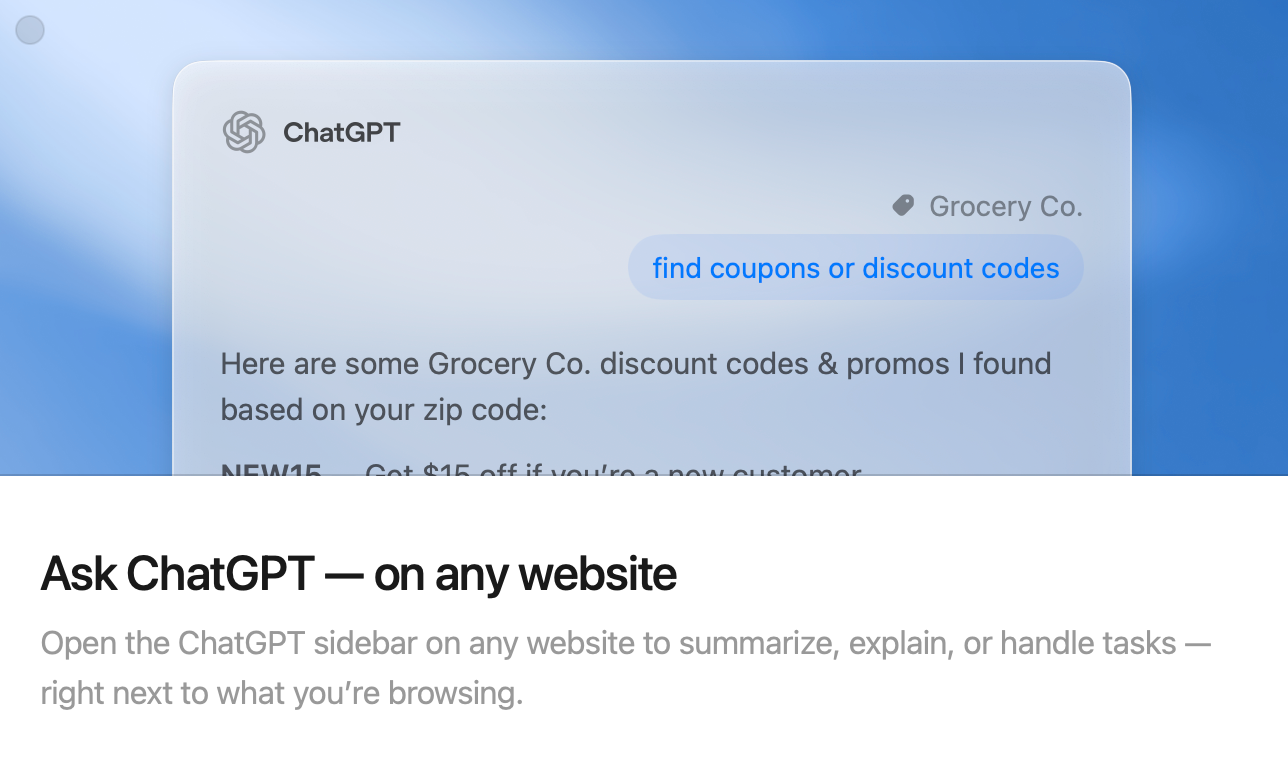
In short, it’s like Chrome or Safari but with a chat window that can summarise pages, rewrite text, analyse content, compare products, and in some cases, complete entire tasks for you.
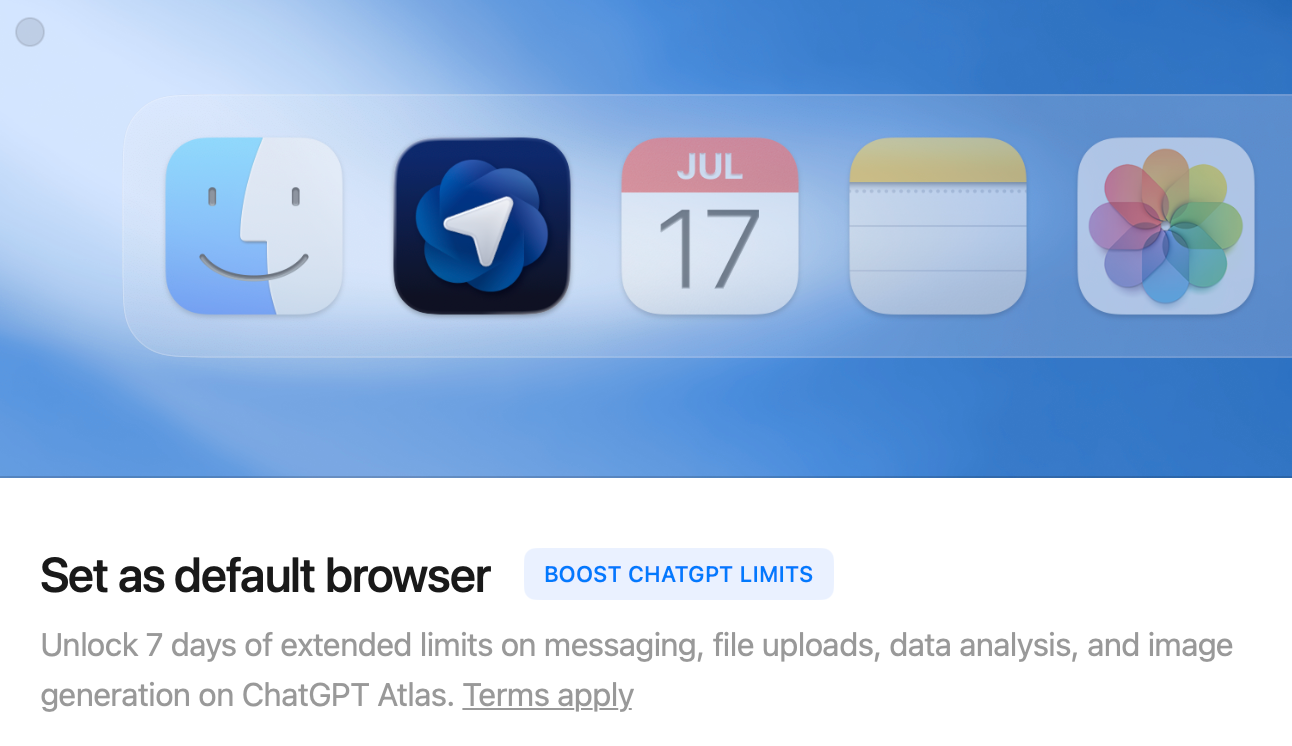
Atlas is currently available for Mac, with Windows, iOS, and Android versions on the way. I’ve downloaded it and will be giving it a proper test drive, but I won’t be making it my default browser just yet. Chrome still wins for now because I rely on Google Maps, Photos, and Calendar every day.
For those of us who live online researching clients, scouting locations, managing social channels, editing text, and updating websites, this could be a big shift in how we work.
OpenAI isn’t the first to step into the AI browser space. Google has already started building its Gemini AI into Chrome, and Perplexity AI has rolled out its own take on AI-powered browsing.
What makes Atlas stand out is the reaction it’s already sparked. Following the announcement, Google’s stock reportedly dipped, which says a lot about how seriously investors view OpenAI’s move into browser territory. Chrome has held the crown for years, but competition is heating up fast and this time, it’s powered by AI.
A Browser That Works Like a Creative Assistant
Imagine opening a client’s website and asking ChatGPT to pull out the brand tone, find their latest campaign, or draft three caption ideas that match their style. Or, while planning a photoshoot, getting it to research local prop suppliers, compare prices, and drop everything into a tidy checklist.
That’s part of what OpenAI is testing with Agent Mode, a feature for premium users that lets ChatGPT complete start-to-finish tasks such as researching and shopping for a trip. For content creators, swap “trip” for “campaign” or “shoot” and you can see where this might go.
What Makes It Different
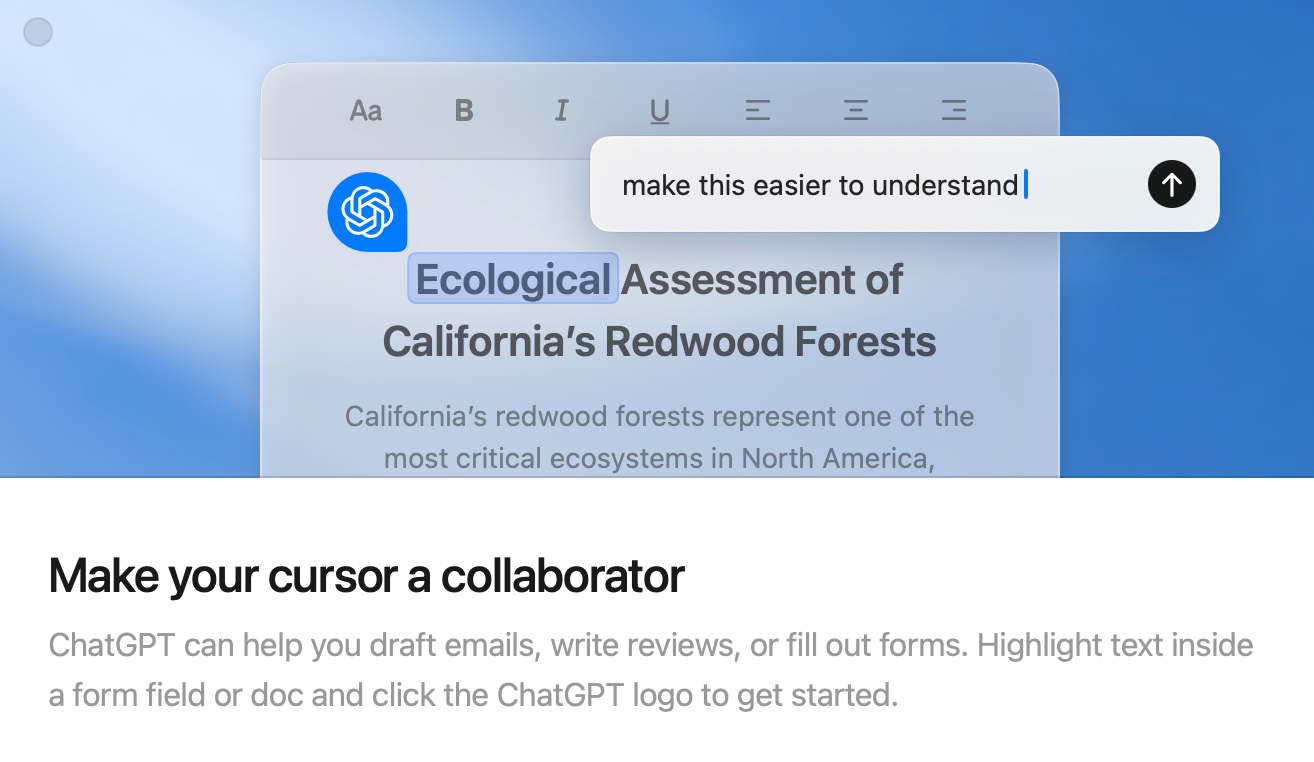
Atlas is built around the idea of interacting with the web, not just reading it. You can highlight text on any page and ask ChatGPT to make it sound more professional or summarise an article. Instead of constantly jumping between tabs, notes, and ChatGPT itself, everything happens in one place.
For content creators and photographers, that could mean faster workflows and fewer digital distractions if it runs smoothly.
Why It Could Be Useful for Digital Creatives
Atlas could help clear away a lot of the background noise — the admin that supports creativity but doesn’t always deserve your full attention.
Some examples:
• Checking multiple reviews before buying new gear
• Summarising long client briefs
• Rewriting captions or blog intros for tone or clarity
• Researching locations, venues, or licensing details without leaving the page
If it lives up to the hype, it could quietly remove a lot of friction from our day-to-day work.
Privacy and “Browser Memories”
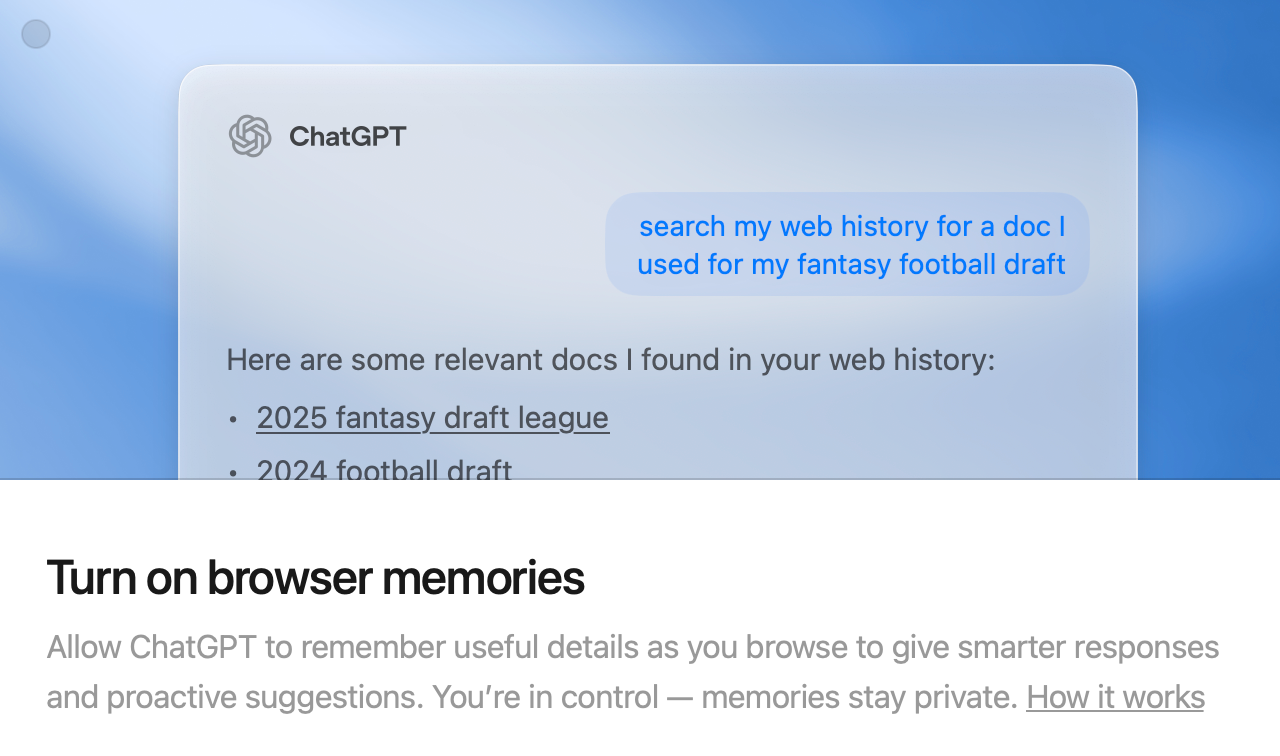
OpenAI says users are automatically opted out of having their browsing data used to train models, which is a good start. There’s also a feature called Browser Memories, which lets ChatGPT remember insights from your browsing.
I’ll be testing that one! Convenience is tempting, but I like to know exactly what’s being remembered and where it’s stored. As always with AI tools, it’s about balance. Speed is great, but creative ownership and data control still matter.
The Bigger Picture
I’m curious to see how Atlas fits into a real creative workflow. If it makes researching, writing, and planning faster without feeling intrusive, it could earn a permanent spot in a creatives' setup.
If this is the start of AI-assisted browsing, it might mean less copy-pasting and more time doing what actually adds value — shooting, editing, storytelling, and connecting with people.
For now, Chrome stays my default. I’ll give Atlas some time to prove itself, see how it handles privacy, whether it plays nicely with my Google tools, and if it really saves time once the novelty wears off.
The best tools don’t just impress you on day one. They quietly make your everyday work easier, and that’s what I’ll be watching for.
